Let's Learn German: game-based vocabulary module
A game-based Storyline 360 module: ten German vocabulary questions with scoring and instant feedback, built with a German teacher for a university assignment.
- Role
- eLearning Developer
- Type
- University prototype
- Timeline
- April 2023 (2 weeks)
- Tools
- Articulate Storyline 360, Adobe Illustrator, AI speech to text, Canva
- Team
- Four-person team: a German language teacher as subject-matter expert, two teachers who also tested the module, and me as developer.
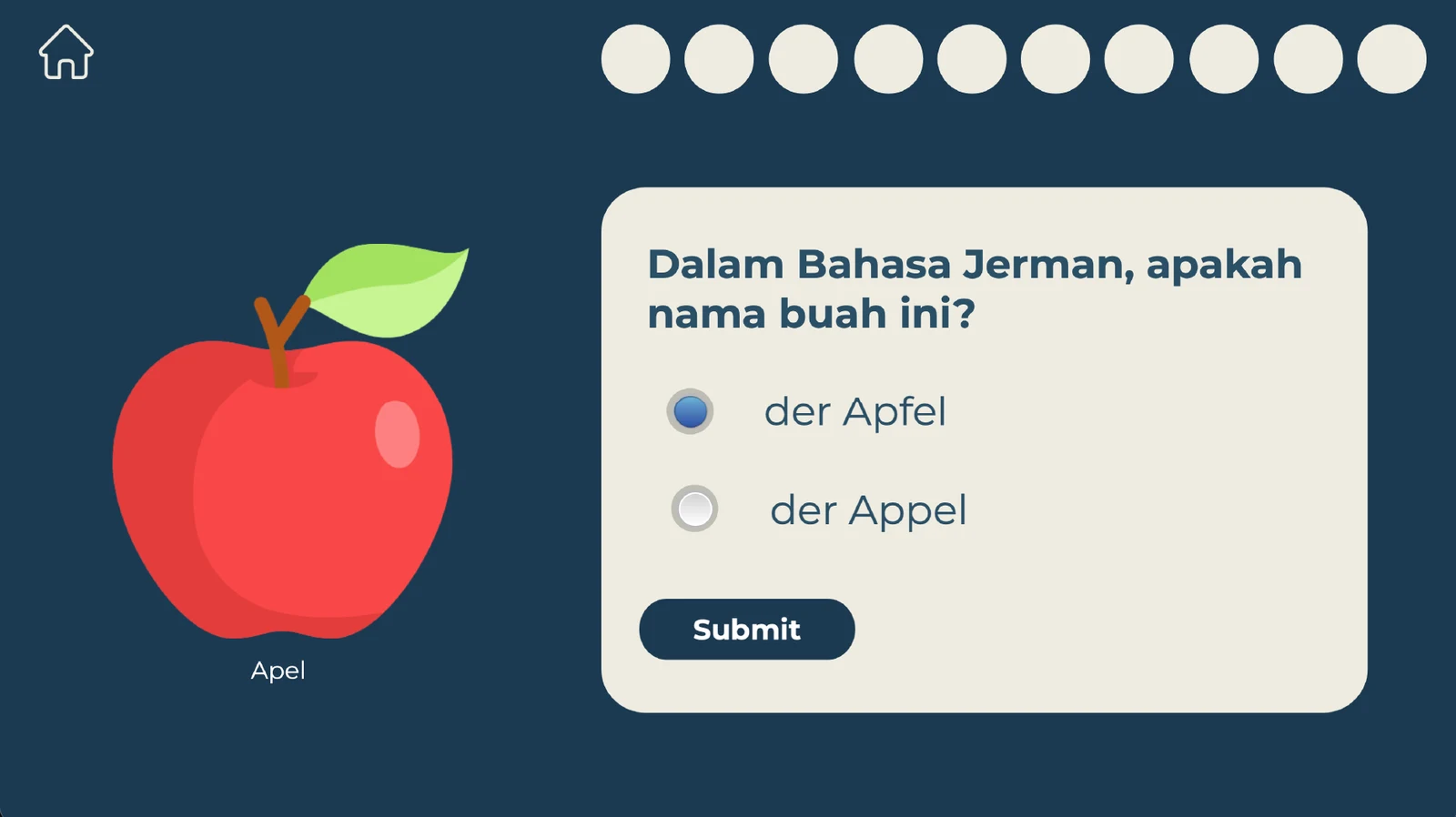
Context
This was a university assignment built by a four-person team: a German language teacher as the subject-matter expert, two general-subject teachers who also acted as test users, and me as the eLearning developer.
The module is a simplified, Duolingo-style exercise for middle and high school learners. Each session covers ten German-to-Indonesian vocabulary items with game-based scoring and instant feedback. It was meant as a supplementary classroom exercise, delivered through an LMS or school portal.
Problem
The team needed to turn a short vocabulary exercise into something that was easy to use on a phone, gave immediate feedback, and could be reviewed for language accuracy before release.
The learners and the team set these constraints:
- Students have short attention spans and five to seven minutes per session.
- Devices vary, with small screens and limited bandwidth.
- Content accuracy depended on one subject-matter expert.
- Team skills were mixed, so testing had to be simple and guided.
- The mobile experience had to stay consistent: readable text and large tap targets.
My role
I was responsible for the interaction design and Storyline development: the visual flow, scoring variables, progress, feedback states, and preparation for user acceptance testing.
Approach
- Learning need analysis and requirements.
- Mockup and prototype of the story, flow, steps, scoring, and feedback.
- Logic setup: variables, scoring, progress, and feedback.
- Development in Storyline 360.
- User acceptance testing with the subject-matter expert and two teachers, covering scoring and progress, content accuracy, mobile experience, and performance. The pass criteria were correct and consistent behaviour, legible text, and a load time of three seconds or less.
- Release, observation, and feedback capture for the next iteration.
Deliverables
- A working ten-question Storyline prototype.
- Score, progress, retry, and instant-feedback interactions.
- A browser-based demo suitable for evaluation before LMS deployment.
Outcome
This university prototype was not deployed to a live learner cohort, so the following were design targets, not measured results:
- Learning: 80% accuracy per ten-item session, supported by instant feedback and retries.
- Experience: a session length of seven minutes or less and an 85% completion target.
- Operational: a mobile-ready package suitable for LMS or school-portal deployment.
Screens from the module

Title screen with a Berlin skyline and a Start button 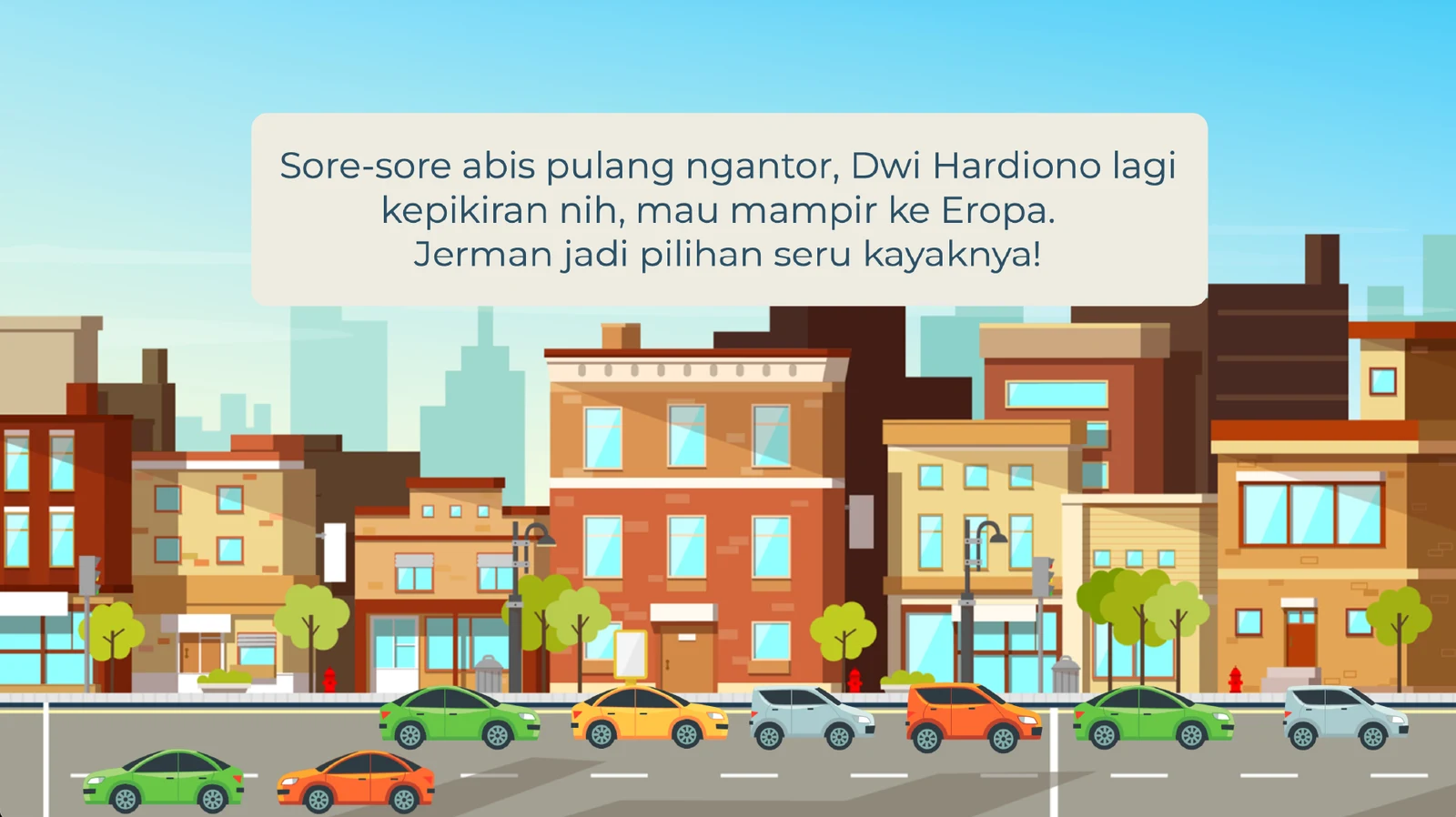
Opening story scene on a city street that sets up the trip to Germany 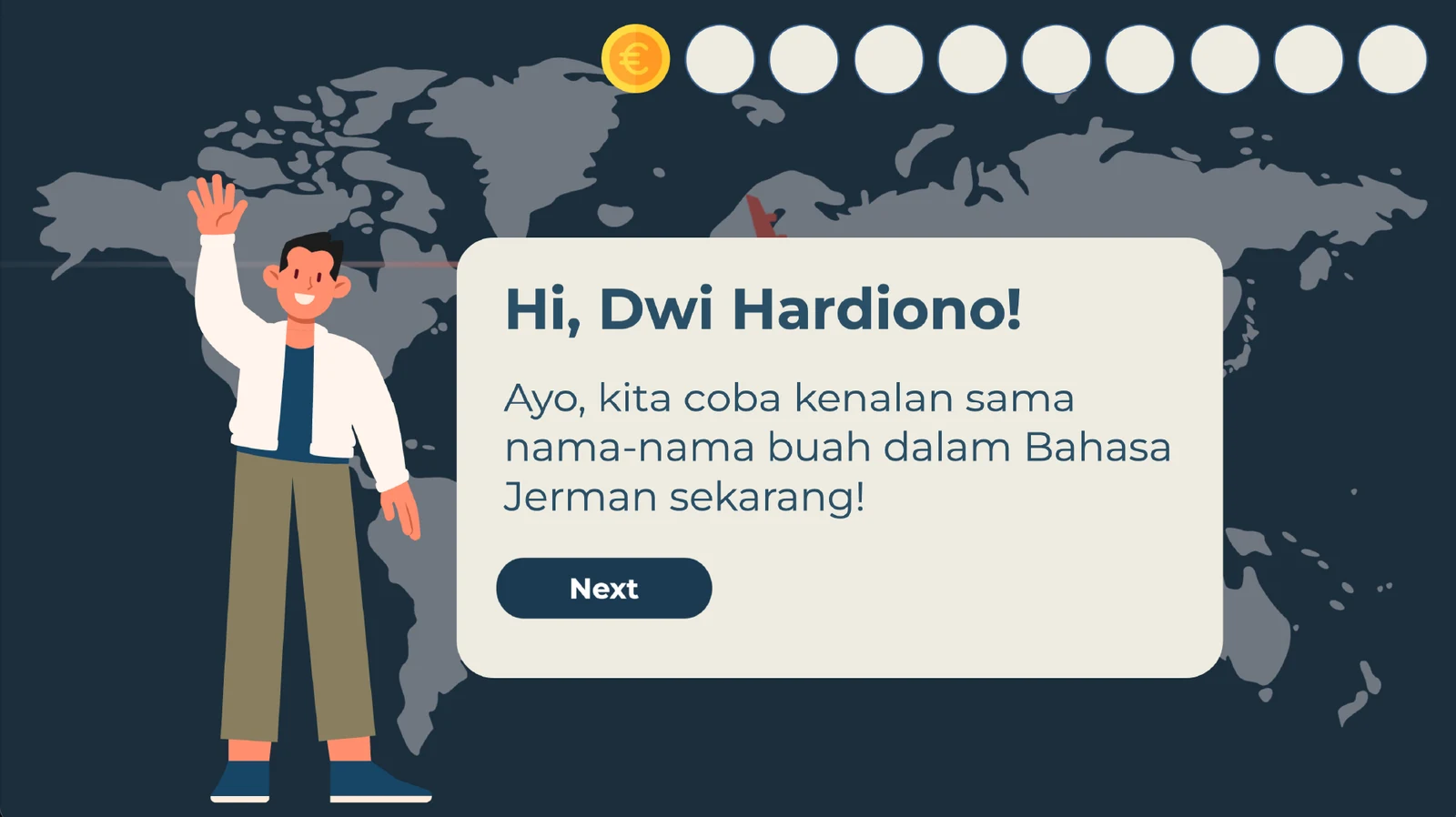
A character greets the learner by name and introduces the fruit vocabulary activity 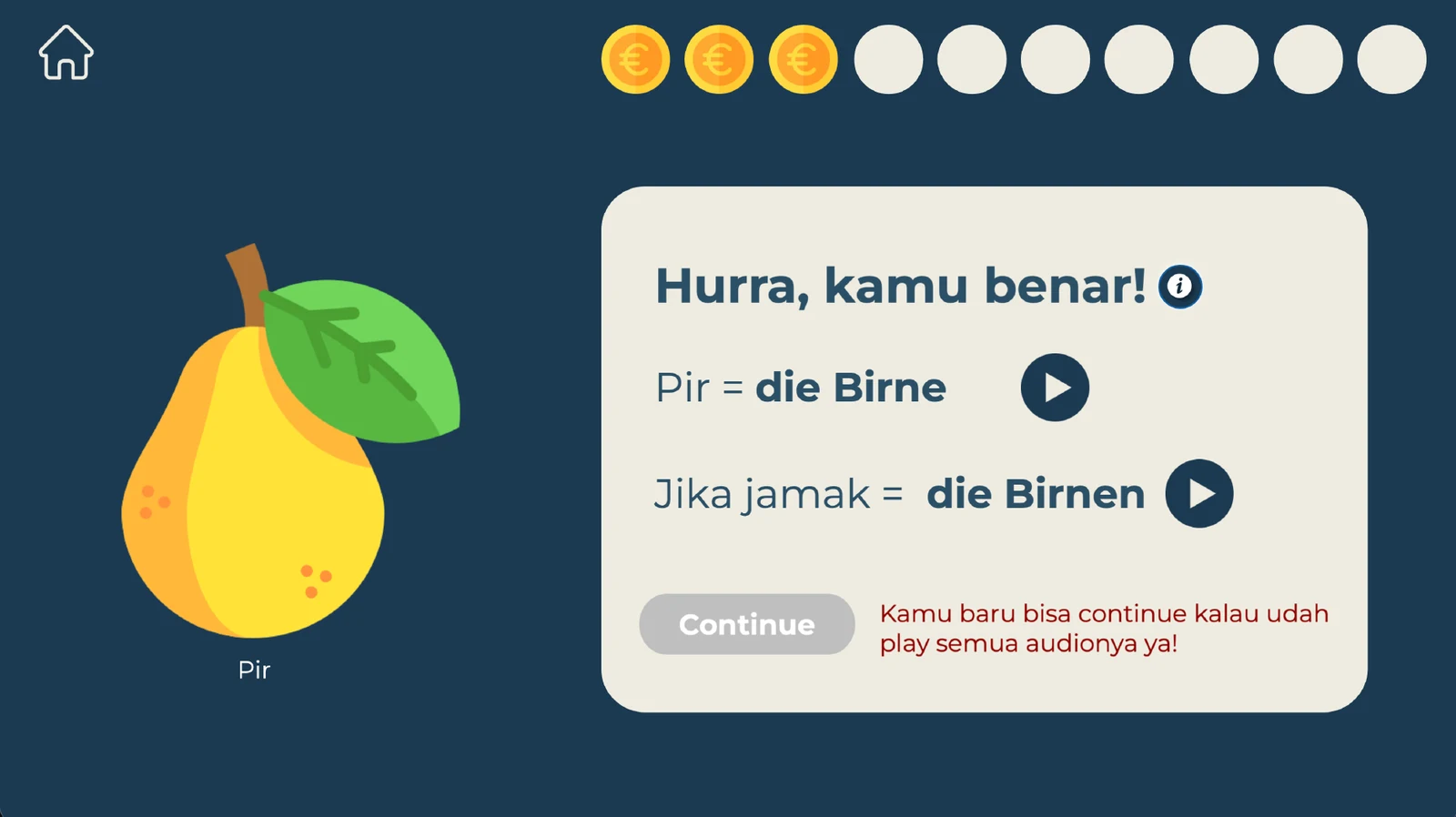
Correct-answer feedback with audio for the singular and plural forms of 'die Birne' 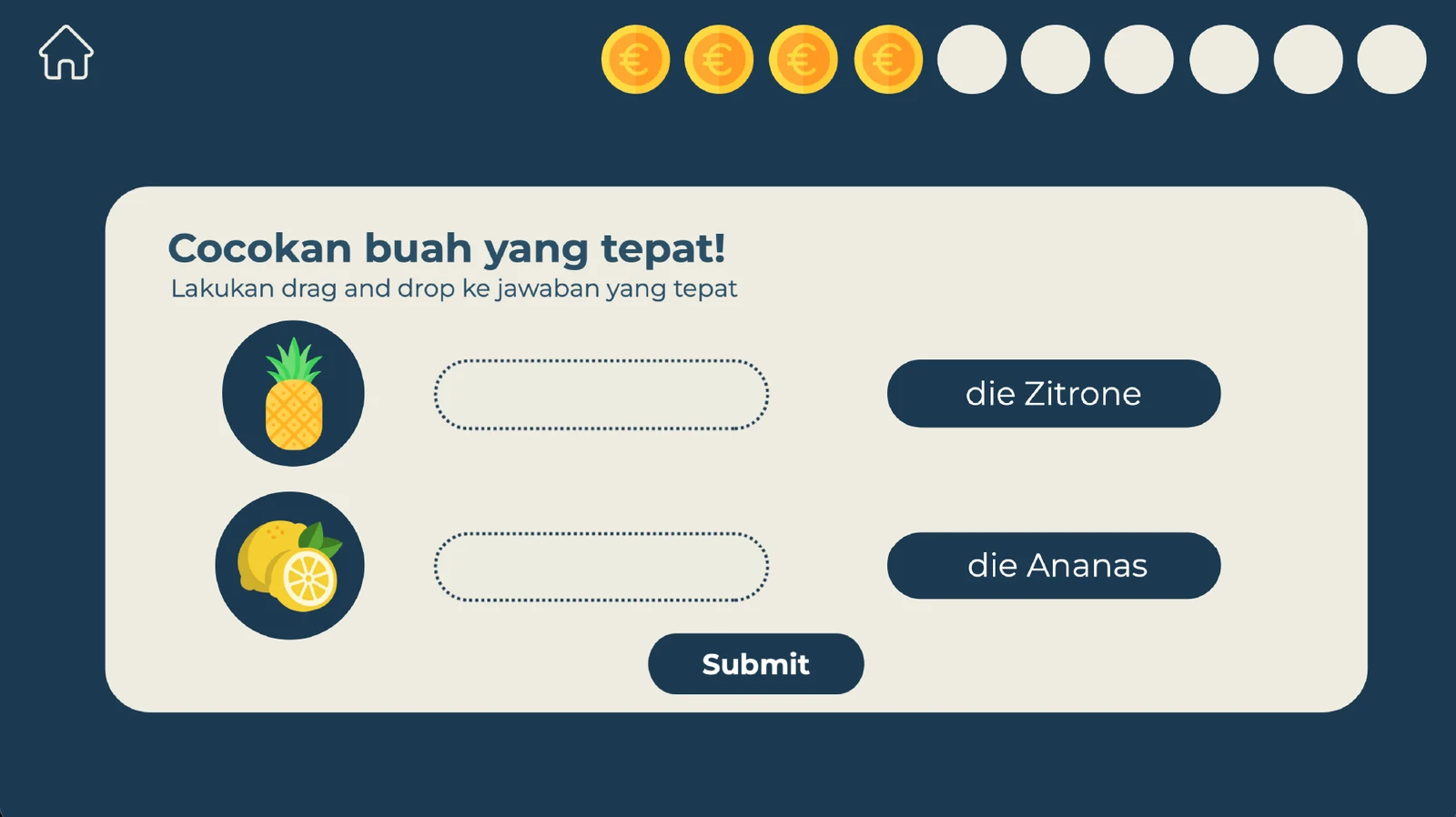
Drag-and-drop question matching fruit to 'die Zitrone' and 'die Ananas' 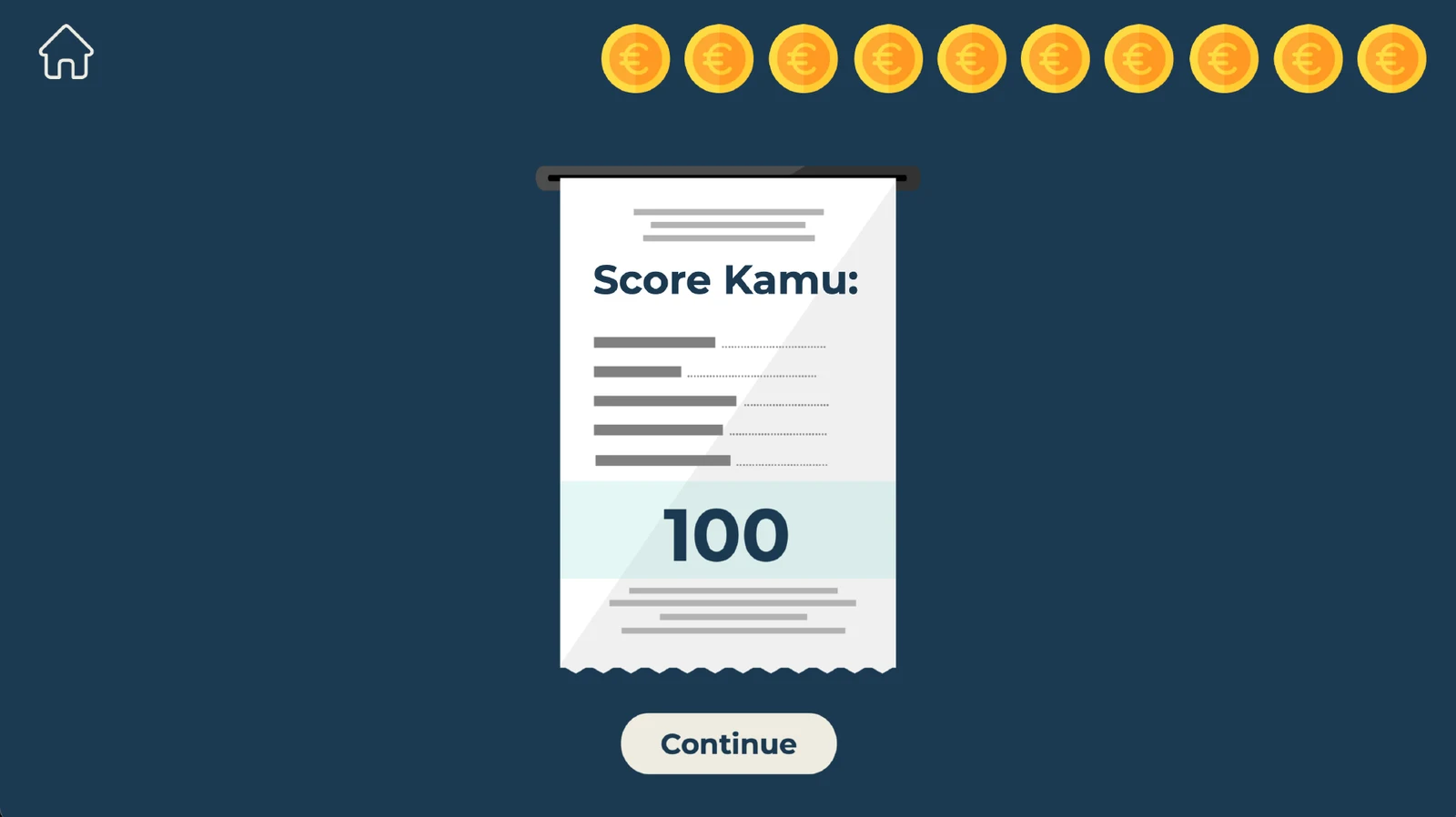
Final score screen showing 100 points